
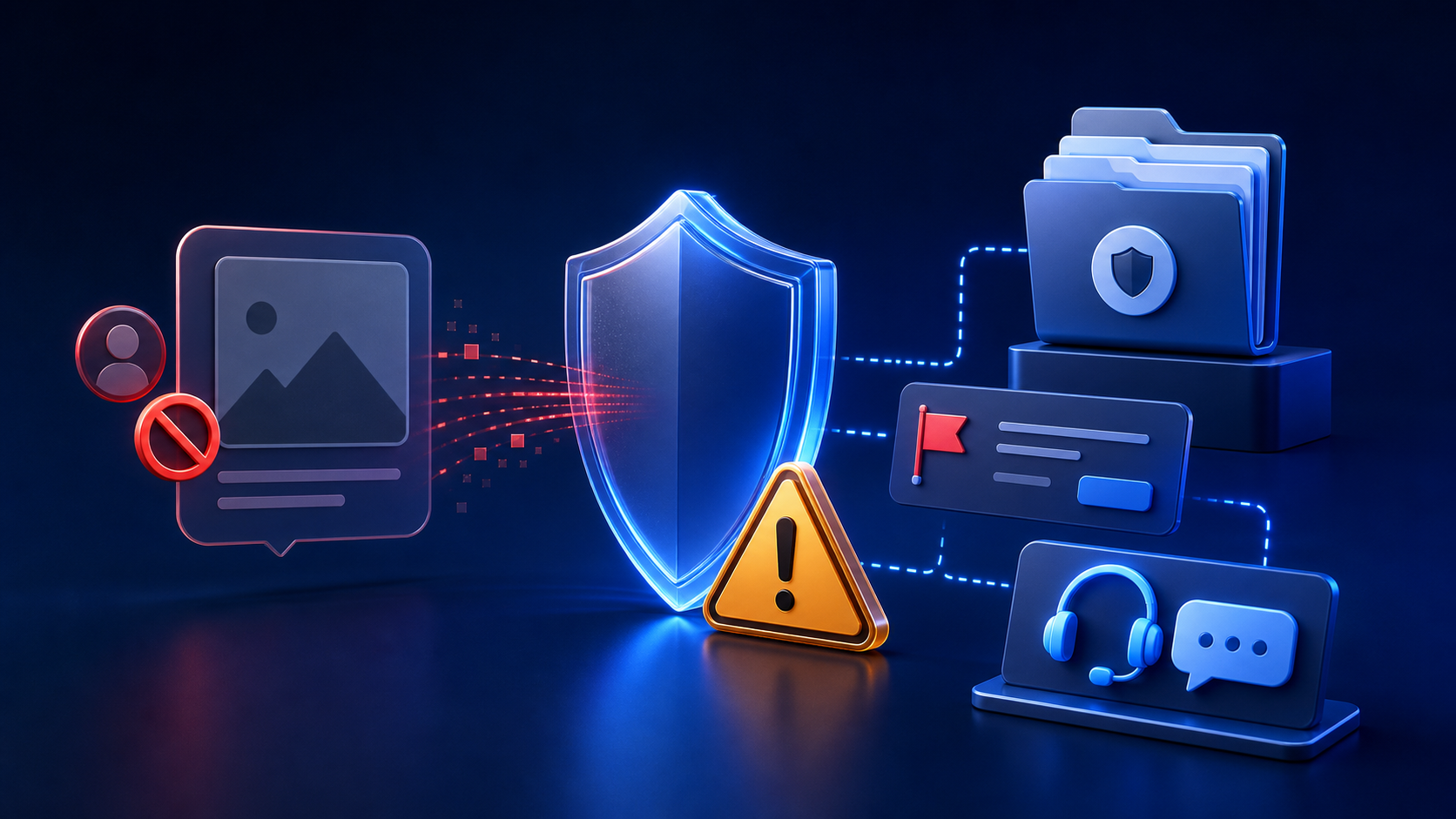
A suspicious request may arrive through social media, email, a dating service, a messaging app, or an online community. You do not owe the sender an answer, an image, a download, a payment, or proof of your identity. The safest first response is usually to pause and avoid further engagement.
Recognize the warning signs
Not every unexpected message is malicious, but several behaviours should raise concern. A sender may ask you to upload or alter someone else’s photo, claim that a public image means permission, avoid questions about age, demand secrecy, or promise money for a fast result. They may also send an unfamiliar link or file and pressure you to open it immediately.
Other warning signs include impersonation, inconsistent account details, threats, requests to move to an encrypted or disappearing-message channel, and claims that “nobody will know.” Urgency is often used to prevent careful judgement.
Stop immediately if the request involves
- A person who may be under 18 or whose age cannot be confirmed.
- A real person who has not given clear permission for the exact use.
- Secret creation or sharing of intimate or humiliating material.
- Threats, blackmail, impersonation, stalking, harassment, or revenge.
- An unexpected attachment, shortened link, login page, or payment request.
- A demand for your password, verification code, identity document, or private images.
Do not upload, create, or forward anything
Do not test an image tool with the requested file, even if the sender describes it as a joke, a fantasy, or private use. Do not forward the image to friends for an opinion. Every upload or transfer can create another copy, expose personal data, violate consent, and make later containment harder.
If an attachment may contain illegal sexualized content involving a minor, do not download, save, copy, or redistribute it. Use the platform’s reporting process and follow instructions from the appropriate local authority or child-protection hotline.
You can refuse without explaining
A short response such as “I cannot help with that” is enough when replying is safe. You do not need to debate the sender, prove that the request is unethical, or reveal personal information. If the message feels threatening or manipulative, do not respond at all.
Blocking can prevent repeated contact, but consider capturing non-sensitive account details first when they may be needed for a report. Platform procedures differ, so use the reporting option before blocking if the interface would otherwise hide the conversation.
Preserve appropriate evidence carefully
For harassment, fraud, blackmail, or threats, useful evidence can include the sender’s username, profile URL, message dates, transaction references, and the wording of threats. Screenshots should focus on the conversation and account information without unnecessarily copying intimate or illegal imagery.
Keep evidence private, unedited, and in a secure place. Do not post it publicly to expose the sender. If the situation involves a minor or potentially illegal material, ask the relevant platform or authority how to preserve evidence lawfully rather than making additional copies yourself.
If there is an immediate threat
If anyone is in immediate physical danger, contact local emergency services. If the message involves sexual exploitation of a minor, use the appropriate national child-protection reporting channel. If a sender is threatening to publish intimate material, do not pay or send more content; preserve safe evidence and seek help from law enforcement, the platform, or a qualified victim-support organization.
Report through trusted channels
Use the platform’s official abuse, impersonation, intimate-image, or child-safety reporting category. Open the service independently instead of following a link supplied by the suspicious sender. Include only the information required for the report.
You can also report a privacy or consent concern about content or links published on Undress Net. Our contact page is not an emergency service and cannot remove material hosted by unrelated third parties, but it provides a direct route for concerns about this website.
Secure your accounts after suspicious contact
If you clicked a link, entered credentials, installed a file, or shared a verification code, act promptly. Change the affected password from a trusted device, end unfamiliar sessions, enable multi-factor authentication, and review recovery details. Change reused passwords on other accounts and monitor payment activity where relevant.
Do not trust a follow-up message claiming to be support unless you independently verify the address. Our guide to account security for online services covers passwords, MFA, phishing, recovery, and suspicious sessions.
Support the person whose image is involved
If you recognize the subject, avoid confronting them with the image or forwarding it “as proof.” Contact them privately and sensitively only when doing so is safe and helpful. Focus on practical support rather than blame. The person depicted did not cause the misuse.
Do not contact a suspected offender’s family, employer, or public audience on your own. Public accusations can increase harm, compromise evidence, or identify the victim. Use established reporting and support channels.
Consent is the deciding boundary
A public profile, relationship, old permission, or privately received photograph is not consent for a new intimate transformation or distribution. Consent must be freely given by an adult who understands the specific image, tool, purpose, and intended audience. It can be withdrawn.
Never create, request, possess, or share sexualized content involving anyone under 18, including edited, fictionalized, or “aged-up” material. If age or consent is uncertain, stop. Read the Safety Guide for a full decision checklist.
Do not let curiosity override safety
Suspicious requests often rely on curiosity and social pressure. You do not need to open a file to confirm that it is unsafe, and you do not need to investigate a stranger. Refusing, securing your accounts, reporting through official channels, and seeking qualified help are responsible actions.
Our position
Undress Net is an independent review website, not an AI image-generation service. We do not support non-consensual intimate imagery, harassment, blackmail, impersonation, or sexualized content involving minors. When a request raises doubt about age, consent, identity, safety, or legality, do not proceed.