
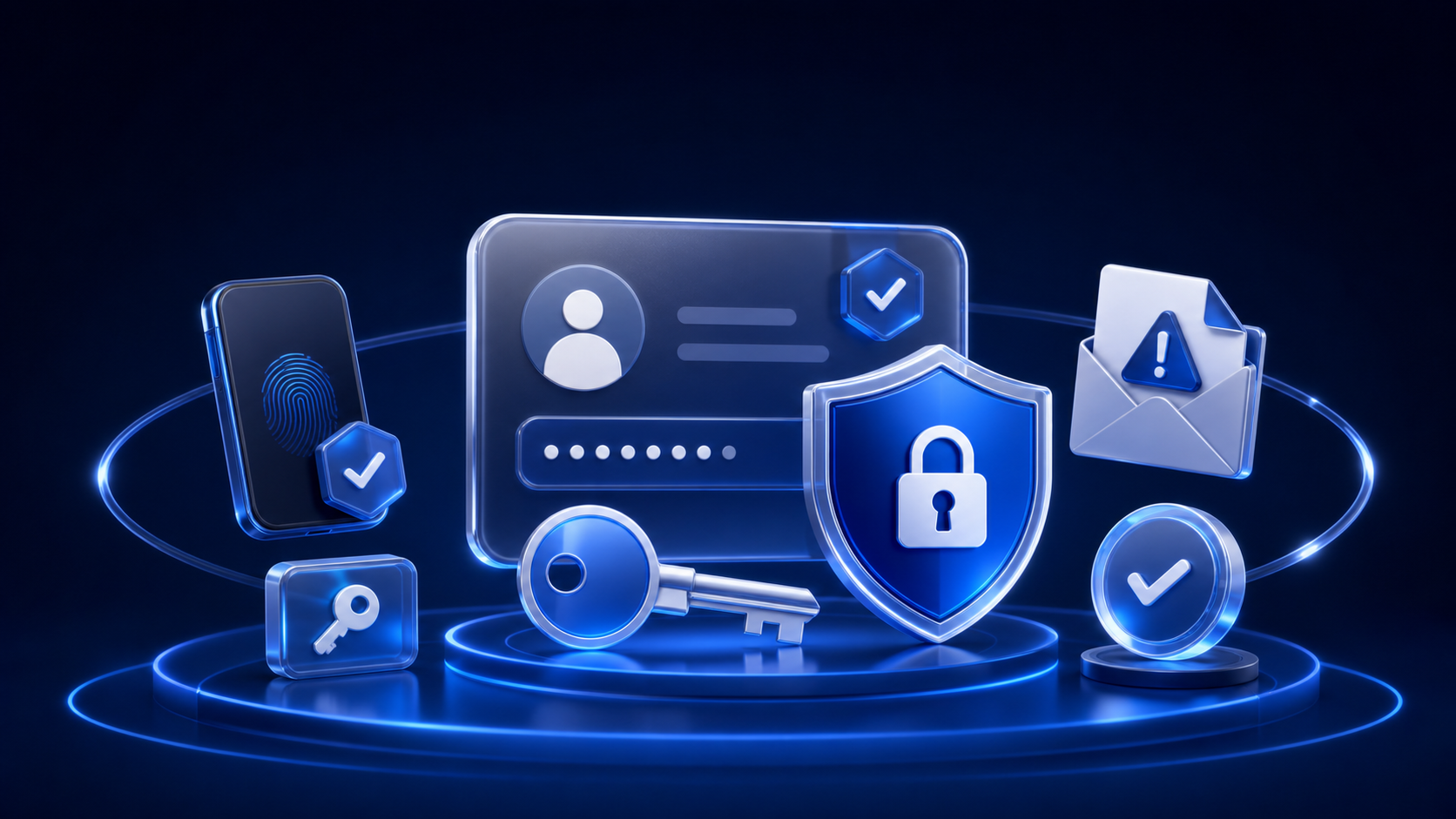
Account security is part of service quality. A clear provider should support safe sign-in, understandable recovery, visible session controls, and a genuine contact route. Users also need habits that prevent one compromised account from exposing several others.
Verify the service before creating an account
Check the domain carefully, especially when following an advertisement, email, or social link. Look for a consistent company identity, accessible policies, a support route, and a checkout connected to the service you intended to visit. A polished design alone does not prove that a site is genuine.
Use our comparison of privacy, price, and quality to organize a shortlist, then verify the current provider information directly.
Use a unique password
Password reuse turns one breach into a risk for several accounts. Create a long, unique password for each service and store it in a reputable password manager rather than relying on a memorable pattern. Never send passwords through email or support messages.
If a provider imposes an unusually short password limit or stores credentials in a way that appears unsafe, consider that relevant to the comparison.
Enable multi-factor authentication
Multi-factor authentication adds another check after the password. An authenticator application or hardware security key is generally less exposed to phone-number takeover than text messages, although any available second factor may be better than a password alone.
Save recovery codes securely and separately from the device used for sign-in. Do not share verification codes with anyone who contacts you unexpectedly.
Account-security checklist
- Verify the exact domain before registering or paying.
- Use a long, unique password stored in a password manager.
- Enable the strongest available multi-factor authentication.
- Keep recovery codes and backup methods secure.
- Review active sessions, connected devices, and login alerts.
- Confirm how account recovery and deletion work.
- Use official support routes rather than links in unexpected messages.
Understand account recovery
Recovery is necessary when a password or device is lost, but a weak process can let someone else take control. Check which information the provider uses to verify identity and whether changes to the recovery email, phone number, or password trigger a notification.
Keep the recovery email secure with its own unique password and MFA. If that inbox is compromised, many connected accounts may be at risk.
Recognize phishing and fake support
Phishing messages create urgency: they may claim that an account will be closed, a payment failed, or private material was exposed. They often ask for a password, code, payment, or immediate click. Open the service independently through a saved address instead of using the message link.
Legitimate support should not need your password or MFA code. If a message threatens, blackmails, or pressures you to send money or images, preserve non-sensitive evidence and report it through official channels.
Review sessions and connected devices
Useful account controls show recent activity or allow users to sign out other sessions. Remove devices you no longer recognize or use. On a shared device, sign out completely and avoid saving credentials in a browser profile controlled by someone else.
Protect payments and subscriptions
Confirm the billing interval, renewal terms, merchant name, and cancellation route before entering payment details. Use payment notifications where available and review statements for unexpected charges. A low promotional price is not a reason to ignore account or checkout security.
The Terms of Use explain the limits of this review website, while each provider remains responsible for its own billing and account systems.
Minimize the information connected to the account
Provide only information that is necessary and accurate for the legitimate service purpose. Avoid placing sensitive images, identity documents, passwords, or payment data in ordinary support messages. Read the provider’s policy to understand collection, retention, and deletion.
The Undress Net Privacy Policy describes this website’s practices. It does not govern third-party services.
Respond quickly to suspicious activity
If an account may be compromised, use a trusted device to change the password, end other sessions, verify recovery methods, and enable MFA. Change reused passwords on other services, contact the official provider, and monitor relevant payment activity. Avoid deleting evidence needed to explain the incident.
Security does not replace consent
A secure account does not create permission to use another person’s likeness. Use real people’s images only with clear, informed consent for the exact purpose. Never upload, request, create, possess, or share sexualized content involving anyone under 18. If age, consent, privacy, safety, or legality is uncertain, do not proceed.
Read the Safety Guide and the privacy checklist before uploading.
Our position
Undress Net is an independent review website, not an AI image-generation service. We do not support non-consensual intimate imagery, harassment, blackmail, impersonation, or sexualized content involving minors. Account security supports informed, lawful, and respectful use.