
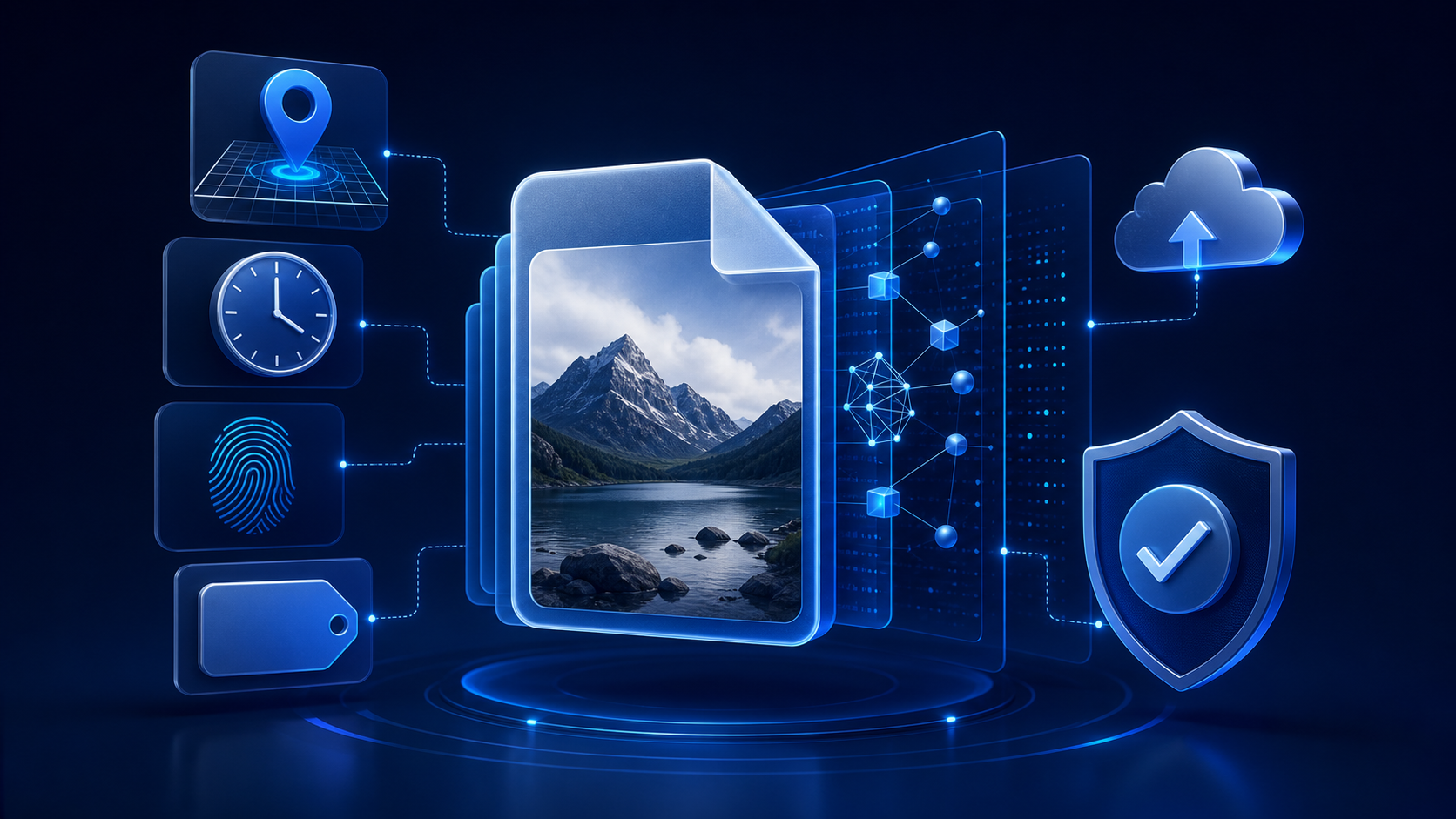
An ordinary image has two privacy layers: what people can see and what the file or service may record. Reviewing both layers before an upload helps prevent accidental disclosure, but it never replaces the subject’s clear consent.
What photo metadata means
Metadata is information stored with a file or created around it by a device, application, or online service. Depending on the image and workflow, it may include the capture date, camera or phone model, editing software, dimensions, color profile, filename, and geographic coordinates. Some platforms remove certain fields during upload, while others retain, transform, or create additional records.
That uncertainty matters. A user should not assume that every website strips metadata or that information removed from a downloaded copy has disappeared from the provider’s systems. Read the provider’s current documentation and privacy policy before sharing anything sensitive.
Location can be precise
If location services were enabled when a photograph was taken, its EXIF data may contain GPS coordinates. Those coordinates can identify a home, workplace, hotel, school, clinic, or repeated routine. Even approximate location can become sensitive when combined with a date, a recognizable person, or information from social profiles.
Review camera location settings and inspect the copy you intend to use. Turning off future geotagging does not automatically remove location records from older files.
Timestamps can reveal routines
Capture and modification dates may show when someone was at a place, when an image was edited, or how several files relate to one another. A single timestamp may appear harmless, but a sequence can reveal working hours, travel, regular appointments, or when a home is likely to be empty.
Online services can also record upload times, access logs, and account activity. These records may not be embedded in the downloaded image, yet they still form part of the privacy decision.
Devices, software, and filenames add context
Camera model and software fields can expose the tools used to create or edit an image. Filenames may include a person’s name, an account handle, an event, a project label, or an automatic numbering sequence. Folder names do not normally travel inside a file, but they can appear in screenshots, shared links, or accidental archive uploads.
Use a neutral filename for a legitimate copy and avoid uploading an entire folder when one file is required. Renaming is a small privacy step, not a guarantee of anonymity.
Privacy-first image check
- Confirm that every real person shown is an adult and has agreed to the exact use.
- Inspect GPS, capture date, device, software, author, and description fields.
- Use a deliberate export copy rather than the original master file.
- Choose a neutral filename and check that no unrelated files are attached.
- Review faces, reflections, documents, signs, screens, and landmarks.
- Check shared-album, cloud-backup, link-access, retention, and deletion settings.
- If any age, consent, identity, privacy, or legal question remains, do not upload.
Cloud sync can create extra copies
A photo may be backed up automatically before a user begins editing it. Shared albums can notify other members, and collaboration links can remain active after the original task is finished. Deleting a local file may not remove a cloud copy, a device backup, a recipient’s download, or a provider’s retained record.
Before working with a sensitive image, understand which applications can access the photo library, whether synchronization is active, who can open shared links, and how deletion works across connected devices.
Exports and screenshots are not magic erasers
Exporting or taking a screenshot may change embedded metadata, but the result should be inspected rather than trusted by assumption. The new image may still contain visible identifiers, a revealing filename, application-added metadata, or information retained separately by the service.
Keep the original secure and create only the minimum number of copies needed for a lawful, consensual purpose. Avoid forwarding test files through multiple platforms merely to see what happens; every transfer can create another record or recipient.
Visible clues often reveal more than EXIF
Removing metadata does not remove a street sign, reflection, school logo, house number, computer screen, tattoo, document, uniform, window view, or distinctive room. These details can identify a person or location even when the face is hidden. Our guide to identifying details in ordinary photos explains how to review the visible layer carefully.
Read the service’s privacy policy
A responsible comparison considers what the provider collects, why it collects it, how long uploads and generated files remain available, whether data is used for training, who receives it, and how users can request deletion. Vague phrases such as “industry-standard security” do not answer those questions.
Learn what to look for in an AI privacy policy. The Undress Net Privacy Policy describes this review website only and does not govern third-party tools.
Consent remains the first requirement
Technical cleanup cannot make an unauthorized use acceptable. A public photo is not automatic permission, and possession of a file does not grant the right to transform or share someone’s likeness. Consent must be clear, informed, specific, freely given, and capable of being withdrawn.
Never upload, generate, request, possess, or share sexualized content involving anyone under 18. Never use images for harassment, impersonation, blackmail, humiliation, or deception. When uncertainty remains, stop.
Use our privacy-first decision checklist before considering any image tool, and review the complete pre-upload privacy checklist.
Our position
Undress Net is an independent review website, not an AI image-generation service. We do not support non-consensual intimate imagery, harassment, blackmail, impersonation, or sexualized content involving minors. Hidden data and visible clues should be reviewed together, with consent and human dignity treated as non-negotiable.