
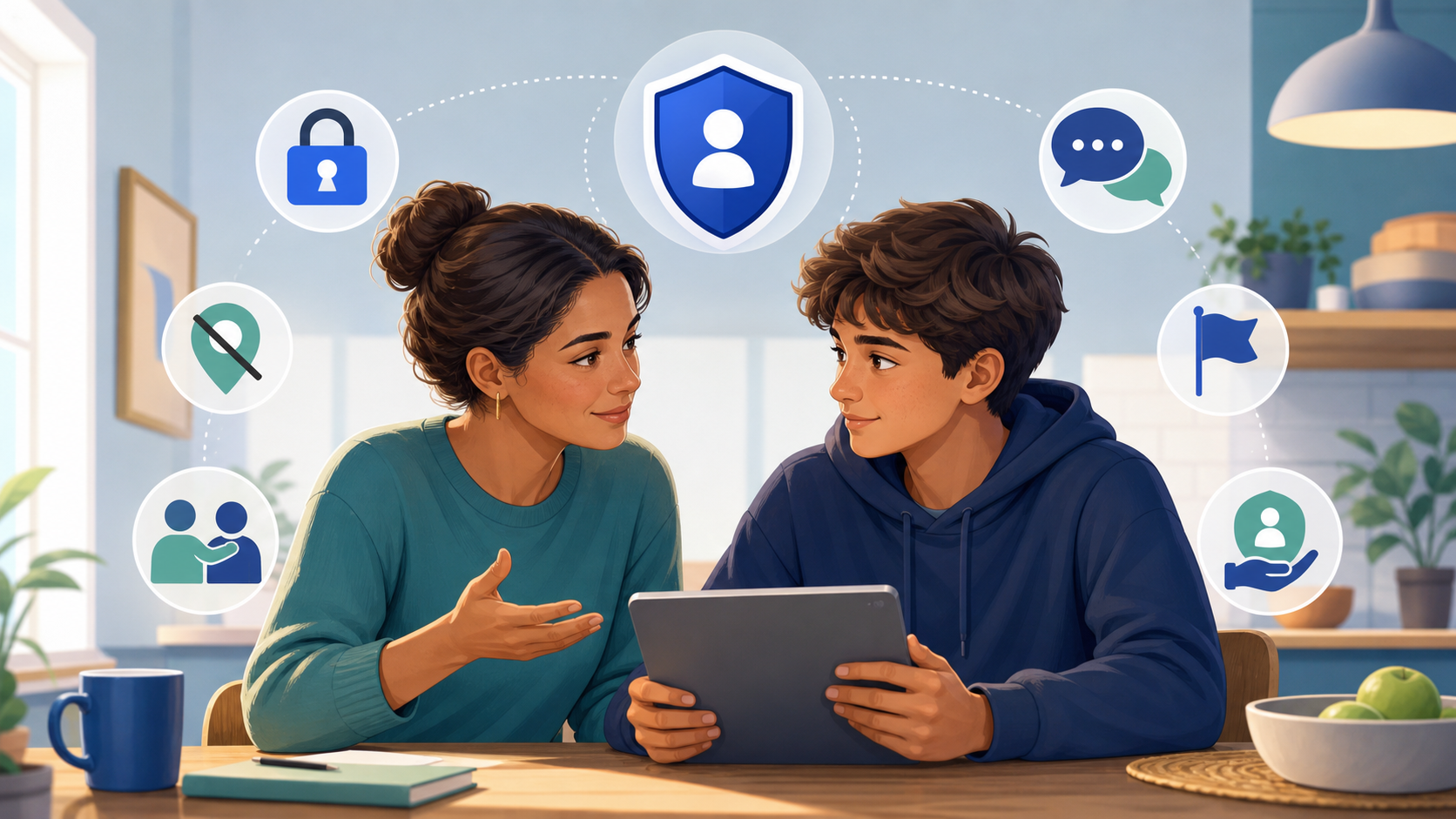
Digital privacy is not one dramatic conversation about everything that could go wrong. It is a series of short, age-appropriate discussions about images, consent, identity, location, account security, AI editing, online pressure, and how to ask for help. The goal is not to frighten a young person or control every interaction. It is to make safer choices easier and honest disclosure less frightening.
Begin with trust, not an inspection
A conversation is more useful when it starts with curiosity: Which apps feel comfortable? What kinds of messages are common? What privacy settings make sense? What would make it easier to tell an adult about a mistake? Avoid opening with accusations, demands to surrender a device, or an assumption that every online friendship is dangerous.
Explain your purpose clearly. You want to help protect privacy, recognize manipulation, and make a plan for difficult situations. A young person is more likely to share a concern when they believe the first response will be calm and supportive rather than shame, punishment, or immediate public confrontation.
Five messages worth repeating
- You can come to me even if you broke a rule or made a decision you regret.
- A public photo is not permission for someone to edit, sexualize, or misuse it.
- Pressure, threats, secrecy, and artificial deadlines are warning signs.
- You never owe anyone an image, password, verification code, payment, or private conversation.
- We will focus first on safety and support, not blame.
Explain privacy in practical terms
Privacy is more than hiding a profile. An ordinary photo can reveal a school uniform, house number, sports club, workplace, daily route, reflection, vehicle registration, or location metadata. A username used across several services may connect separate parts of someone’s life. Friend lists and tagged posts can reveal family and close contacts.
Use a neutral example together. Look at a non-sensitive photograph and identify details that could reveal identity or location. Ask what information the image was intended to communicate and what it reveals accidentally. This develops judgment without requiring the young person to defend their own gallery.
Make consent concrete
Young people often hear that they should “ask permission,” but useful consent is specific. Permission to take a photograph is not automatically permission to post it. Permission to send it to one friend is not permission to place it in a group. A previous yes does not cover a new edit, AI transformation, audience, or purpose.
Consent must be freely given and can be withdrawn. Silence, pressure, fear, a relationship, a public profile, or access to an old image does not create permission. Adults should model the same standard by asking before posting family photographs or sharing a teenager’s achievements, location, or personal story.
Talk about AI editing without sensationalism
Explain that AI can alter or fabricate realistic-looking images, and that a synthetic image can still cause real harm to the person it appears to depict. Avoid showing explicit examples. A simple fictional scenario can demonstrate why identity, context, and distribution matter even when pixels were generated rather than captured by a camera.
Do not suggest that young people are powerless. They can reduce public identifying details, limit unwanted contact, protect accounts, question suspicious requests, avoid redistributing harmful content, and report misuse. Our guidance for parents and trusted adults provides a broader safety framework for consent, privacy, minors, reporting, and support.
Review settings together
Privacy settings work best when the young person understands each choice. Review who can message, follow, tag, mention, locate, or add them to groups. Check post visibility, location sharing, account recovery, active sessions, connected applications, unique passwords, and multi-factor authentication. Present this as routine maintenance for everyone in the household, not a response to suspected wrongdoing.
Agree on family boundaries
Rules should be short enough to remember and realistic enough to follow. Families might agree not to share passwords, post another person without asking, respond to threats alone, or meet an online contact privately. Include adults in the rules: parents should not read every message or demand constant location access without a clear reason. Revisit agreements as age, responsibility, devices, and circumstances change.
Prepare for pressure before it happens
Ask what the young person could say if someone requests a private image, insists on secrecy, threatens to end a friendship, or claims that everyone else participates. Short responses can help: “No,” “I do not share that,” “I need to leave,” or no reply at all. Blocking and reporting are valid responses; politeness is not required when someone ignores a boundary.
Make a plan for artificial urgency. The young person can pause, stop responding, move near a trusted person, preserve non-explicit evidence, secure their account, and ask for help. They should never send money, more images, passwords, identity documents, or verification codes to make a threat disappear.
Respond well when a young person tells you something
Your first reaction may determine whether they continue sharing. Thank them for telling you. Say that the misuse or threat is not their fault. Check immediate physical and emotional safety, then ask what has happened without demanding unnecessary intimate detail.
Do not forward a sensitive image to another adult for an opinion. Do not contact the suspected person publicly, publish accusations, or threaten retaliation. Preserve relevant usernames, URLs, dates, messages, and report references while avoiding additional copies of harmful material. If anyone involved may be under 18, do not download or redistribute sexualized content; use official child-safety reporting channels.
A calm response sequence
- Listen and check immediate safety.
- Remove blame and explain that help is available.
- Stop contact where safe and preserve appropriate contextual evidence.
- Secure email, social accounts, cloud storage, and recovery methods.
- Use the platform’s most specific reporting route.
- Seek qualified local help when threats, distribution, money, or danger are involved.
- Keep the young person informed and include them in decisions where possible.
Know when privacy has limits
Promise care and discretion, but do not promise absolute secrecy if someone may be in immediate danger or safeguarding duties apply. Explain who may need to know, why, and what information will be shared. Limiting disclosure protects dignity while allowing responsible adults or authorities to act.
If the concern involves self-harm, immediate physical danger, sexual exploitation, or an adult targeting a minor, seek urgent qualified help. Stay with the young person and contact local emergency, child-protection, or crisis services as appropriate.
Avoid surveillance as the default
Secret monitoring can encourage young people to hide accounts or problems. Some oversight may be appropriate depending on age, safety needs, and local law, but it should be proportionate and explained. Use the least intrusive measure that addresses the specific concern, and review it rather than making it permanent.
Safety software cannot replace communication. It may miss harmful conversations, misunderstand ordinary behaviour, collect sensitive data, or create false confidence. Before using a service, read what it collects, who receives the data, how long it is retained, and how it can be deleted. Our Privacy Policy shows how Undress Net explains its own website practices.
Model responsible behaviour
Adults teach privacy through everyday actions. Ask before posting a family image. Avoid sharing real-time location, school schedules, medical details, or stories that a young person may later find embarrassing. Correct your own mistake openly if you post without permission.
Be thoughtful when discussing AI image services. The Undress Net homepage compares adult-only tools for informed readers while emphasizing consent, privacy, and human dignity. It does not make non-consensual use acceptable, and tools reviewed for adults must never be used with images of minors.
Keep the conversation going
Use brief check-ins instead of one annual lecture. Ask about a new feature, privacy notice, viral challenge, or account setting. Invite the young person to explain how a platform works. End with a clear promise: if something uncomfortable happens, they can leave the conversation, avoid further compliance, and come to you without facing the problem alone.
Our position
Undress Net is an independent adult review and educational website, not an AI image-generation service. We have zero tolerance for sexualized content involving anyone under 18. Parents and carers should combine practical privacy habits with calm communication, clear consent standards, age-appropriate boundaries, and qualified local support when harm occurs.